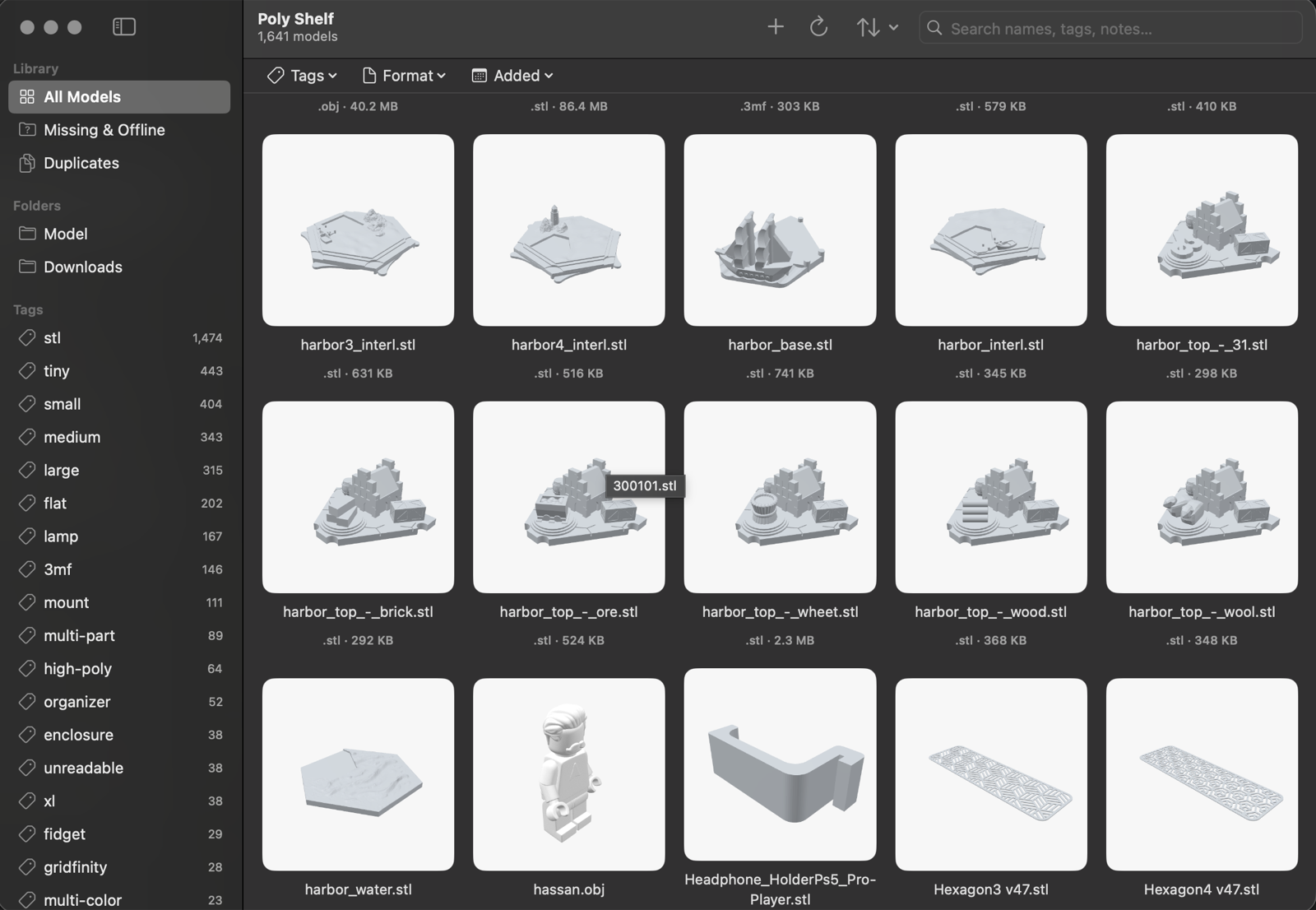
Poly Shelf is a native macOS app for people who 3D print. Point it at the folders you already have — it indexes, previews, tags, and searches thousands of STL, 3MF, OBJ, STEP, and GCODE files. And it never writes a byte back.
Free & open source · macOS 14 or later
Thumbnails rendered from the mesh itself — not the filename.
Full-text across names, tags, and notes. Fast at thousands of files.
By format, by folder, by hand — or from any OpenAI-compatible endpoint.
Folders are watched live. Rename a file in Finder; the shelf follows.
Content hashing spots the same model across folders and drives.
Export tags and notes, re-import anywhere. Sources untouched.
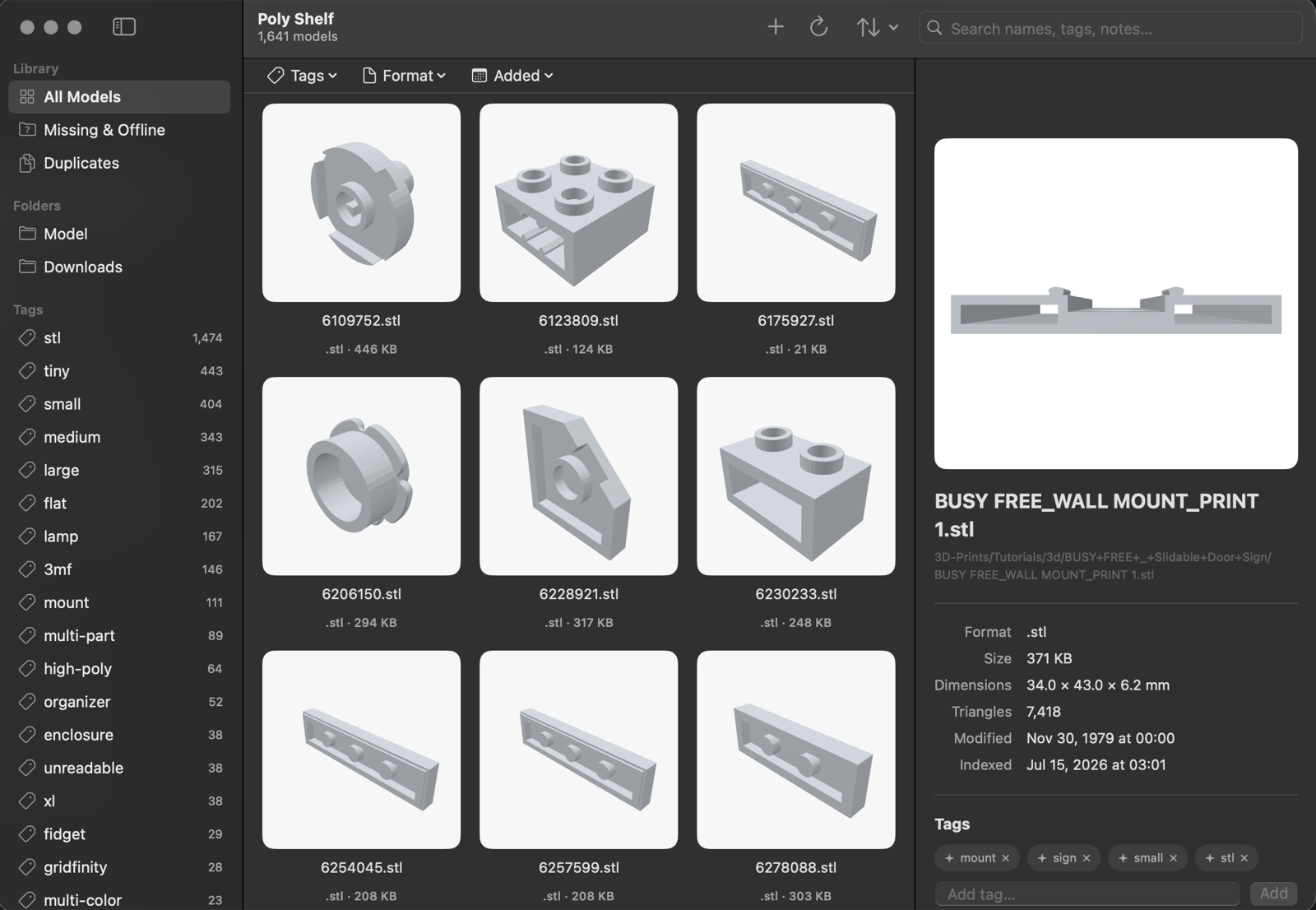
Select a model and Poly Shelf tells you what it is: real dimensions in millimeters, triangle count, format, size — read from the geometry, not the filename.
Download, drag to Applications, right-click → Open on first launch
(the build is ad-hoc signed). If Gatekeeper insists:
xattr -dr com.apple.quarantine "/Applications/Poly Shelf.app"